Hotel Wi-Fi Gateways Being Hijacked to Steal M365 Credentials — African Enterprises Need Full-Tunnel VPN
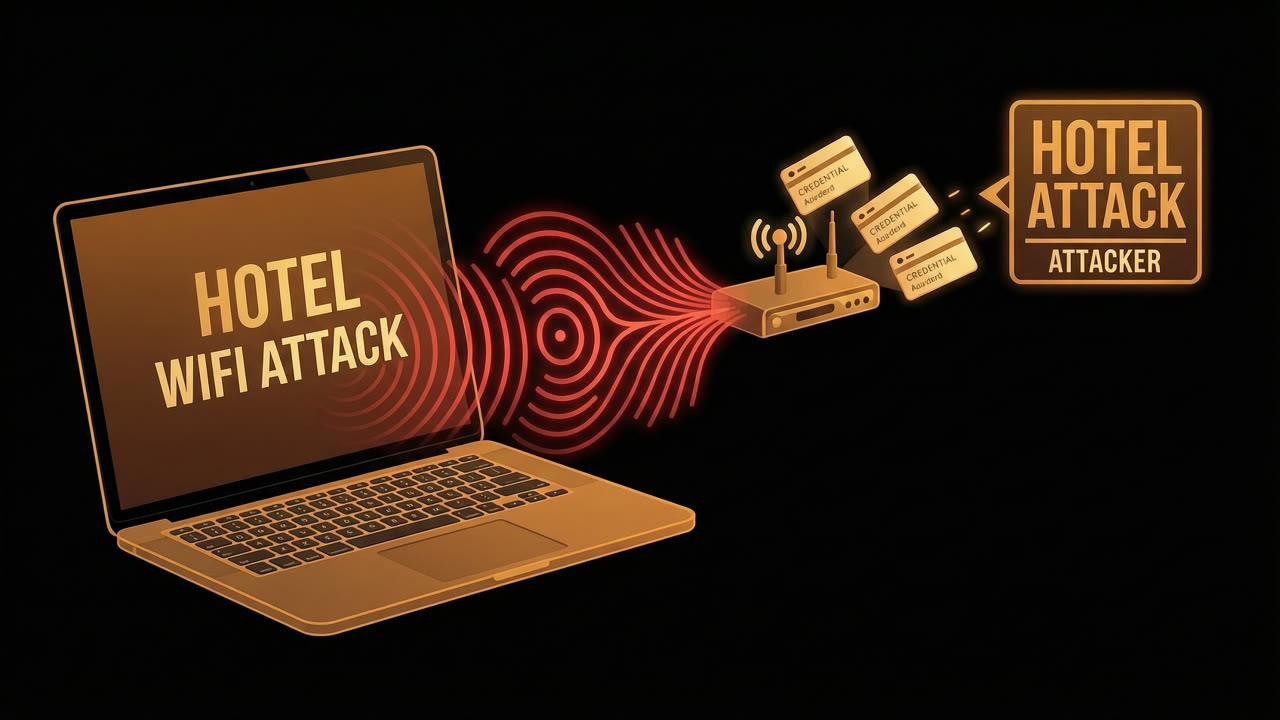
Hotel Wi-Fi gateways are being hijacked to steal M365 credentials. Here’s how it works.
Since June, attackers have been compromising captive portal gateways at hotels and conference centres to hijack Microsoft 365 accounts. ReliaQuest’s threat research team documented the campaign, and the mechanics matter because the usual security advice doesn’t cover this.
The attacker doesn’t need to touch your laptop or phone, send phishing links, or plant malware. They compromise the gateway itself, often through weak or reused admin credentials on exposed SSH, SNMP, or web interfaces. Once they control the gateway, they redirect DNS queries for login.microsoftonline.com to servers they control. Your device asks “where’s Microsoft’s login server?” and the gateway answers with a convincing phishing page. You never leave the hotel network.
ReliaQuest put it bluntly: “The most dangerous element is that it operates at the network gateway, which sits beneath most of the trust assumptions users and devices make.”
The gateway is the problem, not your endpoint
This is DNS poisoning aimed at higher-value targets than the usual home-router compromise. The attackers registered four Microsoft-impersonation domains — m365-owa[.]com, owa-ms365[.]com, ms365-device[.]com, and ms365-live[.]com — and pointed hotel guests toward them.
The compromised gateways turned up in the US, India, and Saudi Arabia. Victims came from professional services, finance, legal, healthcare, and energy companies.
Detection is the hard part. The attack happens gateway-side, outside your endpoint’s field of view. Your laptop sees a perfectly normal TLS handshake with what it thinks is Microsoft. By the time endpoint telemetry flags the suspicious domain, the credential is already stolen.
“We’ve seen enough SharePoint exfiltration cases to know that a single popped account can cascade into meaningful data loss,” ReliaQuest noted.
Safe DNS servers don’t fix this. Neither does DNSSEC.
Setting your DNS to Google’s 8.8.8.8 or Cloudflare’s 1.1.1.1 is standard advice, but it doesn’t help here. The gateway sits between your device and those resolvers. Your query still travels through the hotel network to reach 8.8.8.8, and the gateway can intercept, redirect, or drop it before it gets there.
ReliaQuest: “Specifying a trusted DNS server changes the intended destination, not who controls the road to get there.”
DNSSEC helps against forged DNS responses, but it doesn’t encrypt the query or stop an attacker from blocking it. And most stub resolvers don’t validate DNSSEC signatures anyway.
Full-tunnel VPN is the real fix
The only reliable defence is a full-tunnel VPN. Every packet, including DNS, goes through an encrypted tunnel to your corporate VPN server before touching the internet. The hotel gateway sees nothing but encrypted traffic to your VPN endpoint. It can’t redirect what it can’t read.
The catch is that full-tunnel VPN isn’t the default for most setups because of the trade-offs: more latency, higher bandwidth costs, more load on corporate VPN infrastructure. For distributed teams that do video calls and large file transfers, routing everything through headquarters gets expensive fast.
But for employees who travel, that trade-off is worth making. Conditional Access policies in Entra ID should also block device-code authentication flows, which have very few legitimate use cases and are a common bypass path.
What African CISOs should do today
If your organisation has mobile or remote staff who travel, here’s a short list:
- Enforce full-tunnel VPN on all corporate devices. Block internet access until the tunnel is active.
- Audit captive portal exposure. If your team stays at hotels with branded Wi-Fi, assume the gateway is hostile.
- Monitor for DNS connections to suspicious domains. In Microsoft Defender for Endpoint, watch for DnsConnectionInspected events hitting domains like
m365-owa[.]com. - Enable Conditional Access policies that block device-code authentication and require compliant devices.
- Train travellers. A reminder that “use the hotel Wi-Fi, it’s fine” is not a security policy.
ReliaQuest’s point about prevention versus detection is worth repeating. By the time your endpoint alerts you that something went to ms365-device[.]com, the credential is gone. Encrypted transport, strong Conditional Access, and WPAD hardening all matter more than detection here.
This is the kind of threat that sits in the blind spot of most security stacks. The attack doesn’t hit your endpoint, your email gateway, or your web filter. It lives at the network layer, underneath all of them. That’s where eHawu operates, inspecting and enforcing policy at the network gateway level before traffic reaches the services and endpoints your users trust.
If your mobile workforce depends on hotel Wi-Fi, conference centre networks, or any untrusted infrastructure, you need visibility at the layer these attackers are exploiting. eHawu’s network-layer security platform gives African enterprises that visibility, from the gateway up.
The Thursday security digest
One email a week. The week's threat analyses, CVE breakdowns and infrastructure notes from the eHawu SOC. No noise, no daily spam.